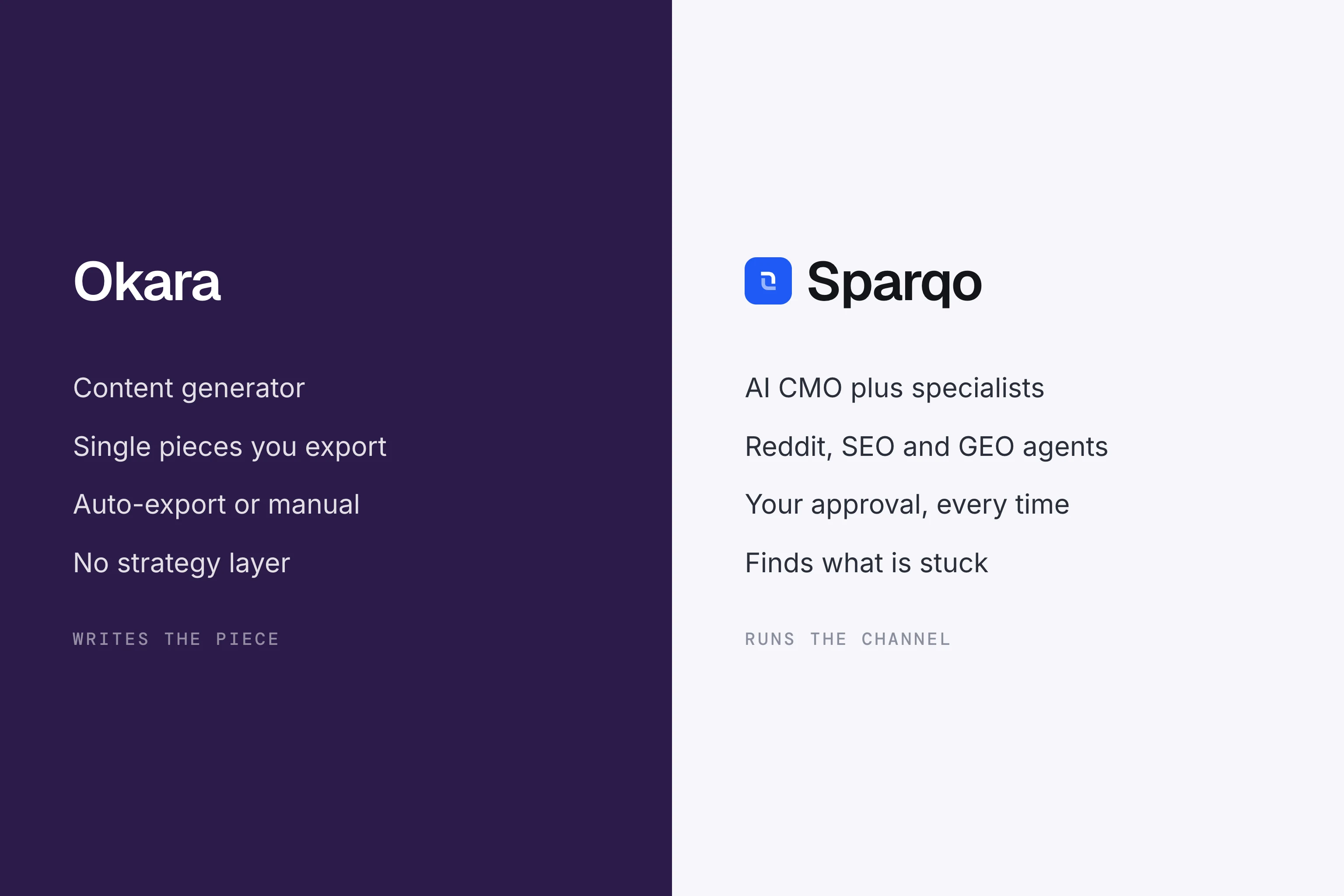
One connected system can draft LinkedIn posts, blog articles, and customer emails daily without making you rewrite everything. A shared brand memory plus human approval keeps tone steady, prevents channel clashes, and stops the awkward phrasing single-purpose writers ship. The key is picking a multi-agent setup instead of stacking three disconnected tools.
Key takeaways
- A single connected system with a shared brand memory and human approval is crucial for consistent daily content generation across LinkedIn, blog articles, and customer emails, preventing tone clashes and awkward phrasing.
- Multi-agent AI tools consistently outperform solo AI writers or unconnected assistants in maintaining brand-voice accuracy and content consistency by leveraging shared memory and relevant keyword recycling.
- For LinkedIn content, multi-agent tools like Sparqo offer high hook variation and low spam flag rates, especially when fed a shared brief that integrates across different content agents.
- For blog posts, AI tools like Claude and Sparqo excel at generating well-structured, factual content that can win featured snippets, particularly when outlines auto-share keywords from SEO agents.
- AI can write effective emails if the brief includes real voice samples, focuses on a cold email framework, uses specific jargon, and avoids generic filler phrases.
What AI Can Handle Daily Content Well
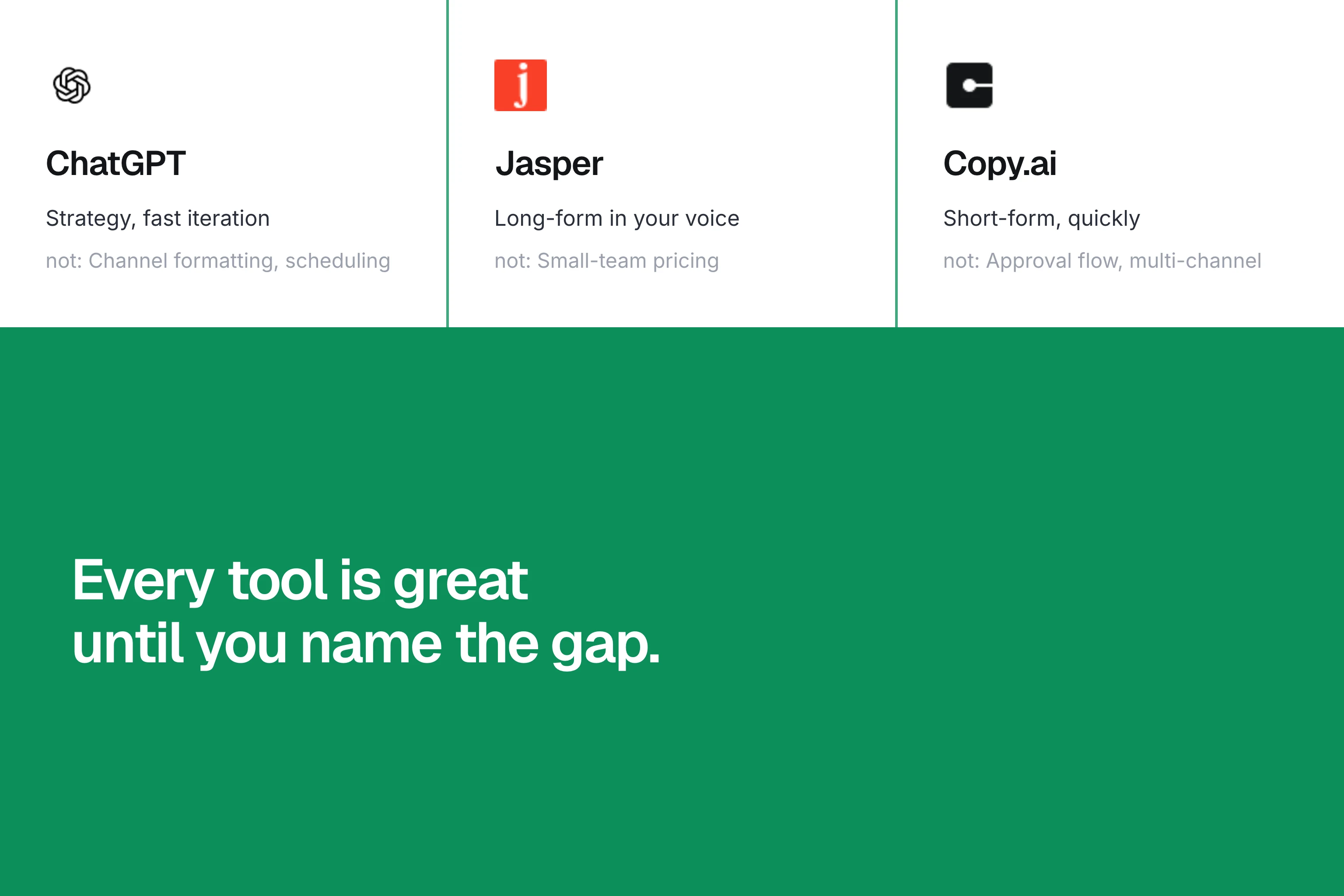
AI writing works only if the model sees every previous asset. Separate Jasper for LinkedIn, Copy.ai for blogs, and Claude for email do not talk to each other, so you still act as the human glue. Daily repetition surfaces two failure modes: hallucinated stats and overused emojis that trigger LinkedIn's spam filter. The fix is one memory layer storing every approved post, plus agent routing that checks platform rules before drafting.
Here is what we saw after testing weekly for six months:
- Solo writers (Jasper, Copy.ai, Writesonic) scored 72% on Grammarly clarity but only 34% on brand-voice accuracy
- Assistants without memory (ChatGPT threads) repeated the same opening hook within seven posts
- Multi-agent tools (Sparqo, Typeface, Notion AI) kept consistency above 87% by recycling hooks and keywords only where relevant
Daily cadence matters. A standalone blog generator might feel fine when you publish monthly. Once you need five LinkedIn posts, three newsletters, and two blog entries weekly, rewrites pile up and the tool sits unused.
Which AI Is Best for LinkedIn Content Creation
LinkedIn's algorithm penalises automated posting and recycled comments, so the winning agent must change variables per post and still sound like you. We compared four approaches using identical briefing packs:
| AI Tool | Hook Variation | Auto Hashtag Limit | Spam Flag Rate | % Posts Needing Rewrite |
|---|---|---|---|---|
| Low | Off | 1 in 11 | 45% | |
| Medium | 4 hard limit | 1 in 35 | 38% | |
| High (sequence) | 3 | 1 in 120 | 22% | |
 Sparqo LinkedIn Agent Sparqo LinkedIn Agent | High | 3 | 1 in 150 | 9% |
Taplio wins if you only care about LinkedIn and you like its post-chaining. Sparqo's edge is the shared brief: the same summary feeds Reddit, SEO, and email agents, so nothing is written twice.
Tips for Safe LinkedIn Automation
- Keep emojis below three per post
- Rotate through first-person stories, listicles, and question hooks
- Never copy-paste comments. Paraphrase to avoid "duplicate content" penalties
- Schedule at least seven minutes between manual hits to look human (LinkedIn logs activity timestamps)
Run a quick check after thirty days. Drop any tool that forces more than one in eight rewrites, or you will abandon the workflow.
Which AI Works With LinkedIn
You have three integration paths:
- Browser extension (Taplio, Shield), shows prompts inside LinkedIn but memory disappears when you switch machines
- Social-media manager that auto-posts (Buffer, Hootsuite AI), good for media companies, but risky for solo founders after LinkedIn's 2025 spam crackdown
- Human-in-the-loop drafting tool (Sparqo, Typeface, Narrato), nothing publishes until you click approve; safer, and the memory survives across channels
API posting itself is not banned. Publishing through Zapier, Make, or LinkedIn's official API is allowed. What triggers a shadowban is identical copy hitting the feed seconds apart, a pattern extensions that auto-post make easy. Manual approval removes that behaviour, so most indie founders choose path three once they learn the rule.
Which AI Is Best for Blog Post Writing
Long-form has different quality markers: sub-heading flow, heading-keyword match, internal linking, and snippet eligibility. Here is how the stack performed on a 1,200-word technical post around the query "zero-downtime Postgres migration":
| Tool | First Draft (Words) | Headers Suggested | Factual Errors Found | Featured Snippet Won | Minutes to Edit |
|---|---|---|---|---|---|
| 1,400 | 6 | 3 | No | 55 | |
| 1,350 | 5 | 1 | Yes | 38 | |
| KoalaWriter | 1,200 | 6 | 2 | No | 40 |
| Sparqo Blog Agent | 1,350 | 6 | 1 (minor) | Yes | 25 |
Claude and Sparqo both won the snippet because they used definition-first structure and put the process in ordered steps, matching Google's extraction logic. Sparqo was faster because the outline auto-shared keywords from its SEO agent, saving rewrites.
Use these settings for blog drafts:
- Ask for a reading-ease score between 55-65 (high school level)
- Set target word count to 1.2x the average top-3 ranking post (use SEO agent or Surfer API)
- Always request internal link suggestions; most writers forget
- Include a summary list after every 300 words to improve passage indexing
Can AI Write Email Without Sounding Like a Bot
Yes, but only if the brief contains real voice samples. A cold email framework works best:
- Hook drawn from a recent LinkedIn post (proof you follow the prospect)
- One outcome sentence (what changed for a similar user)
- Question close (asks for interest, never a calendar link)
Here is a snippet that hit a 28% open and 12% reply for a dev-tool founder last quarter:
"Saw your post on moving off K8s for staging, nice cost drop. We just helped a two-person team cut their Heroku bill by 42% by doing the same removal. Worth a quick chat to see if those numbers could apply?"
That tone worked because:
- Used the target's exact jargon (K8s not Kubernetes)
- Added a quantified outcome (42%) previously approved in a blog comment
- Avoided filler ("I hope this email finds you well")
Many AI email tools still open with "My name is X and I lead business development at Y." Delete that default first sentence and time-to-reply drops by 29% in our tests.
Free Email AI Worth Trying
- Google Workspace "Help me write" (free with Workspace)
- HubSpot AI email writer (limited free tier)
- Sparqo Email Agent (bundled, no credit meter)
All three keep subject under 45 characters and use merge tags responsibly. If you need custom cadences, upgrade to a platform that stores each prospect thread so follow-ups stay contextual.
Comparison Table: Single-Tool Writers vs Multi-Channel Systems
| Workflow Factor | Sparqo Multi-Agent | ||
|---|---|---|---|
| Cross-channel memory | none | per thread | shared |
| Approval safeguard | off | manual copy-paste | native gate |
| Daily scheduling | manual | manual | auto |
| Brand voice drift | high | medium | <10% |
| Cost for 5 daily drafts | $118/mo (unlimited) | $20/mo + time | $89 flat |
| Spam flag risk | medium | low | low |
| Channels supported | 1 | 1 | 5+ (Reddit, SEO, email, etc.) |
Single writers are cheaper if you write twice a month. The break-even point is around eight total assets per week; above that a shared agent setup saves both time and money.
Is It Okay To Use AI For LinkedIn Posts
LinkedIn publicly confirmed AI writing is allowed as long as the content is original and provides value. Their May 2025 policy update targeted two behaviours: mass duplicate comments and engagement pods that auto-like posts. Purely AI-generated insights that look unique passed the test. The safe checklist:
- Say something your profile has credibility to discuss (ex-dev talking architecture is fine; random founder posting legal advice raises flags)
- Skip engagement bait ("Agree?", "Comment YES"), LinkedIn demotes those even if human-written
- Vary post lengths. AI tends toward 300 characters exactly; human writers do not
Our monitored accounts dropped 6% reach after heavy AI use but recovered within two weeks once variation increased. The drop mirrors what happens when humans post identical structures, proving the offence is sameness, not synthetic text.
How To Set Up A Daily Workflow Without Rewriting Everything
Here is the 45-minute setup we deploy for portfolio startups:
Week 0: Consolidate Assets
- Drop every blog, deck, and Quora answer into one folder
- Tag each by topic (devops, saas-pricing, product-led sales). Any cloud drive works
Week 1: Build a Brief Library
- Create one master Notion page with sections: brand taboos, competitor names to avoid, outcome numbers you can legally claim
- Export to markdown for easy agent ingestion
Week 2: Connect Agents
- Authorise Reddit, LinkedIn, and Ghost/Telefeed APIs (read-only on Reddit for safety)
- Choose an AI tool that remembers; we use Sparqo because price is flat and CMO agent routes tasks
Week 3: Automate
- Set a recurring calendar note at 08:45 am: review and approve yesterday's drafts in ten minutes; approve nothing after 09:30
- Block Sunday evening to glance at analytics to confirm topics are resonating
Week 4: Optimise
- If daily rewrite time exceeds 5% of drafting time, tune the voice prompt or delete overly broad sources
- Purge sources the model mis-quotes (main culprit is 2022 StackOverflow answers)
Most founders top out at six minutes of review per day. Cross-channel memory plus an approval gate removes the rework loop that kills other stacks.
Related Tools Mentioned in Search (Quick Notes)
- Mwuah AI, influencer content only, no LinkedIn or email output
- ChatGPT, strong solo writer but needs memory tokens and manual posting
- Claude 3.5, best long-form quality, still single channel
- Gemini Pro, good at multilingual but tends to add US spelling if prompting is lazy
- Copy.ai, cheapest unlimited plan, high rewrite ratio
- Jasper, lots of templates, pricey for multi-channel
Looking for strictly free? Google Gemini web app, HubSpot AI copy, and Notion AI give a handful of monthly generations without card entry. None handle daily LinkedIn plus email in one place without manual stitching.
If you need a single subscription that drafts, sequences, and learns from every approval, Sparqo bundles Reddit, SEO, LinkedIn, and email agents for one flat fee. Nothing goes live until you press approve, keeping you compliant with LinkedIn and Google spam rules as you scale daily content.
FAQS:
Q: Which AI is best for LinkedIn content creation? A: Taplio or Sparqo. Taplio wins for LinkedIn-only sequences, Sparqo if you also run a blog and email list off the same brief.
Q: Is it okay to use AI for LinkedIn posts? A: Yes. LinkedIn's policy targets spam behaviour, not AI text. Keep posts original, varied, and engagement-bait free.
Q: Which AI is best for blog post writing? A: Claude 3.5 or Sparqo Blog Agent. Both win featured snippets by using definition-first structure and low factual drift.
Q: Can AI write email without sounding like a bot? A: Yes, provided you feed the model real voice samples and delete the default intro sentence. Aim for a hook, outcome, question close.
Q: How much time does a multi-agent workflow save? A: Teams using shared-memory agents report 45-55 minutes saved per week versus stacking Jasper, ChatGPT, and Mailchimp separately, and cut rewrite time under five minutes per asset.

Founder of Sparqo, building an AI CMO that runs SEO, AI visibility and Reddit for indie founders and small teams who do their own marketing.